
Tool Foundry / Audio Lab
Audio LabGame audio preparation inside Unity
Audio Lab brings audio preparation into the Unity Editor. Work on loops, prepare related sound-effect variations, trim and level clips, and process folders of audio. The tool combines a waveform editor, effects and audio analysis with a Quick Edit entry point in the Inspector.
01
What you can do
- Use waveform editing to work on the part of a sound that matters for your project.
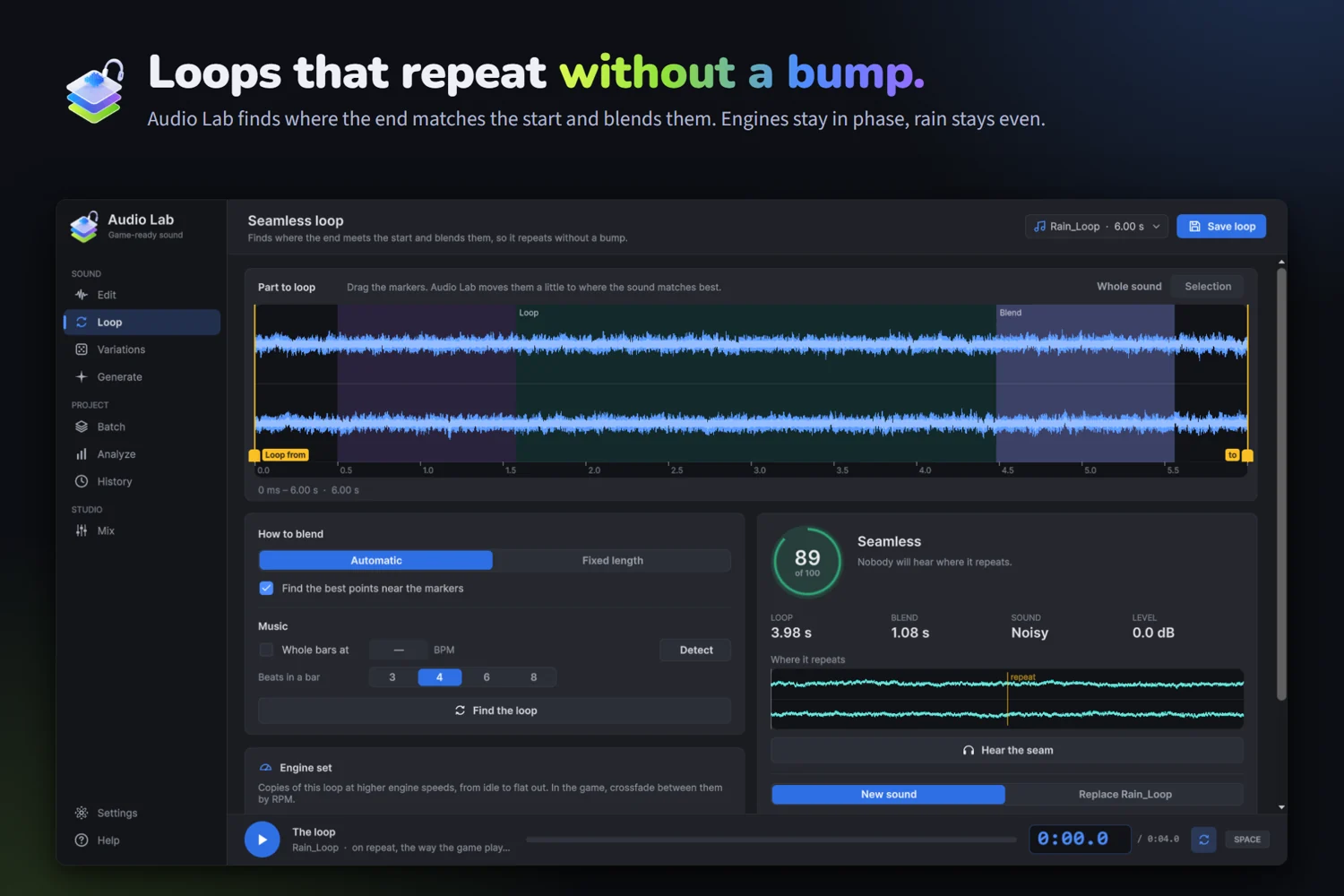
- Prepare repeating audio with loop editing, visible loop boundaries and blend controls.
- Create SFX variations when a game needs related versions of a sound effect.
- Trim and level clips, and use the available effects and analysis while preparing audio.
- Apply batch processing to folders when several files need the same preparation workflow.
A practical workflow
Choose a clip and the task you need to perform: a repeating loop, a one-shot effect or a batch of files. Use the waveform and the relevant editing controls to prepare the sound. Quick Edit in the Inspector provides another way into the workflow while working with audio assets. Review the result for its intended use before adding it to your game.
02
Requirements and limits
- Targets Unity 6000.4 or newer and has been tested on Windows. Consult the current manual for installation and supported operations.
- Audio Lab is a Unity Editor tool for preparing audio assets.
- The included HTML and PDF manual describes the available editing controls and workflow.
- Awaiting Asset Store review at the last availability check on 29 October 2026. This page does not offer Audio Lab for purchase; contact us for its current status.
Documentation and support
The package includes HTML and PDF manuals. For help, email the product name, your Unity version and the steps that led to the issue.